Configure Nextcloud and Enable OnlyOffice
When you first navigate to the Nextcloud site, you must use the IP address. Do not use the domain name for login.
https://<public IP address>:8080
You may see the following screen depending on your browser. Note that this appears only during the installation session and will not be present after configuration is completed.
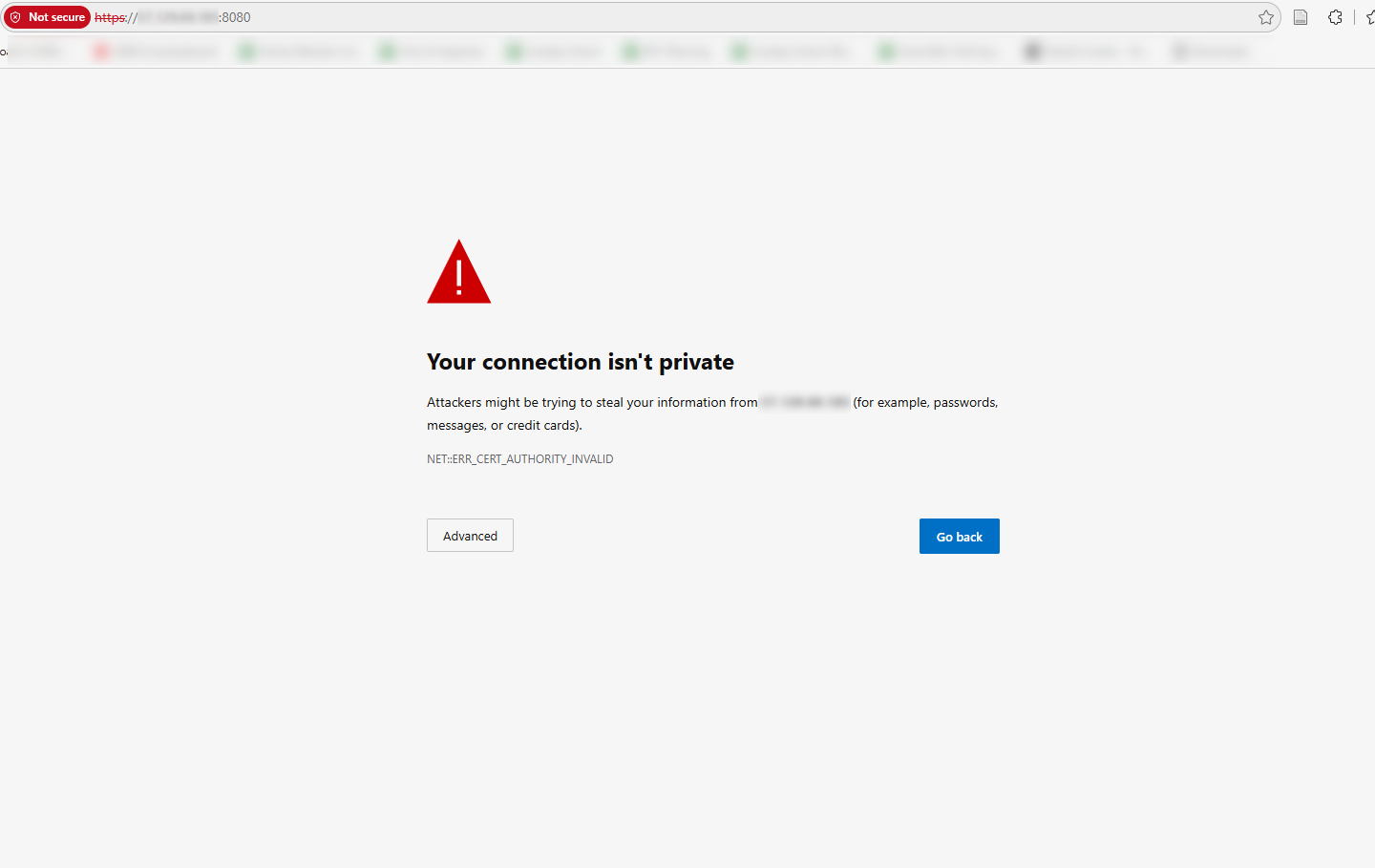
Click "Advanced" and continue to the website. This will display the instance passphrase, which is required for future configuration changes.
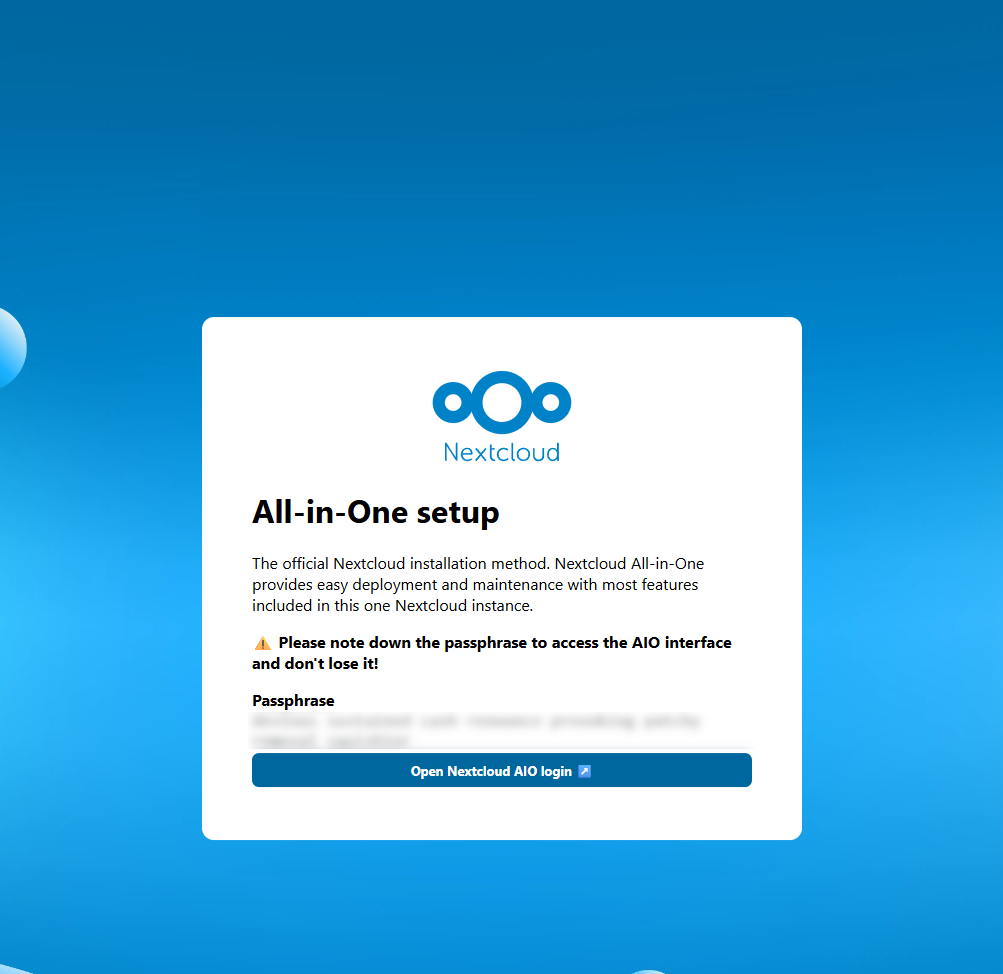
Copy the passphrase and store it securely for future use.
Nextcloud Configuration Login
Clicking "Open Nextcloud AIO login" will take you to the login screen.
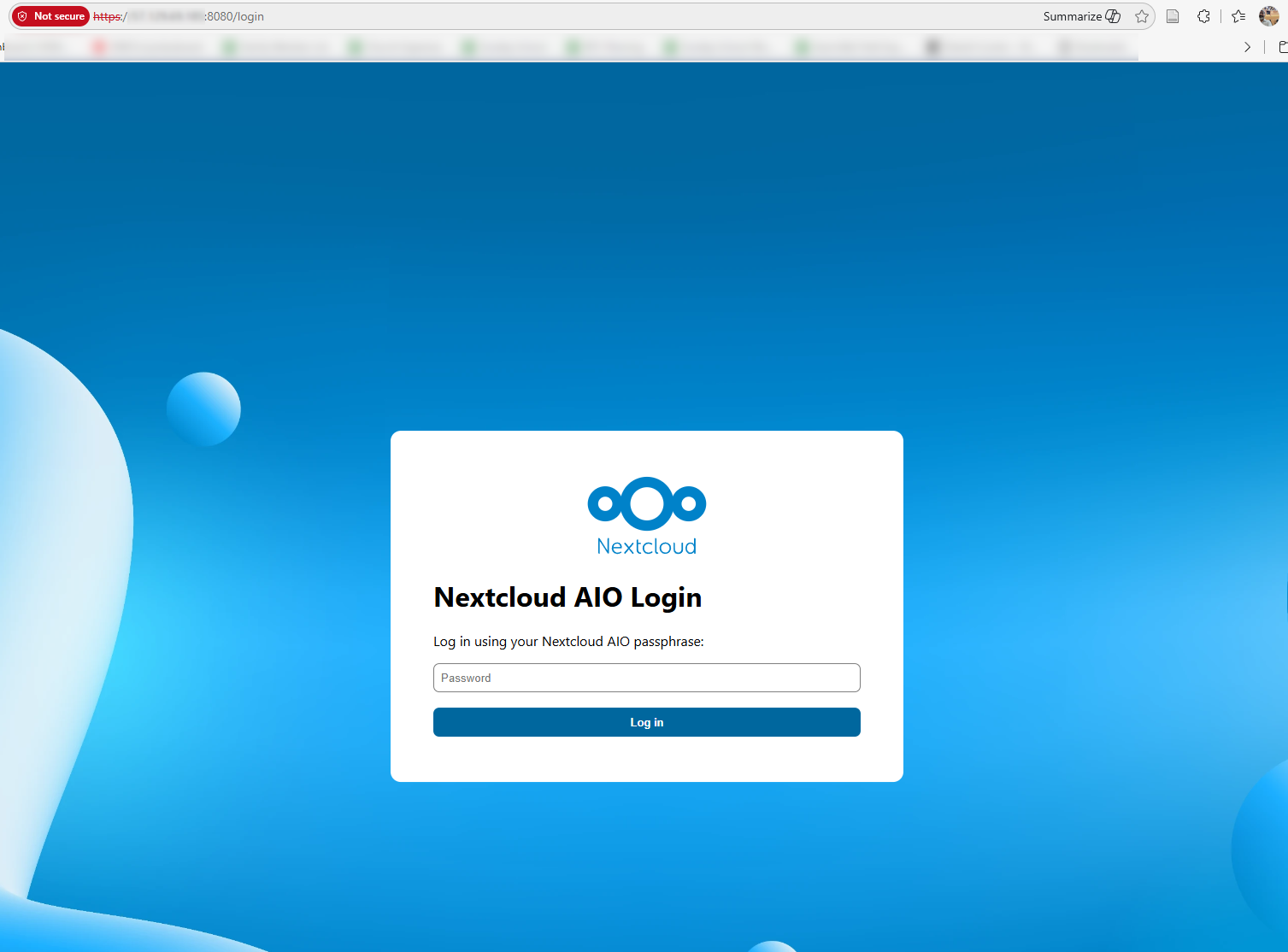
Enter the passphrase noted from the initial screen to proceed with the setup.
Configuring the Nextcloud Domain
Enter the domain that you have configured for this instance. Refer to prerequisites for more details.
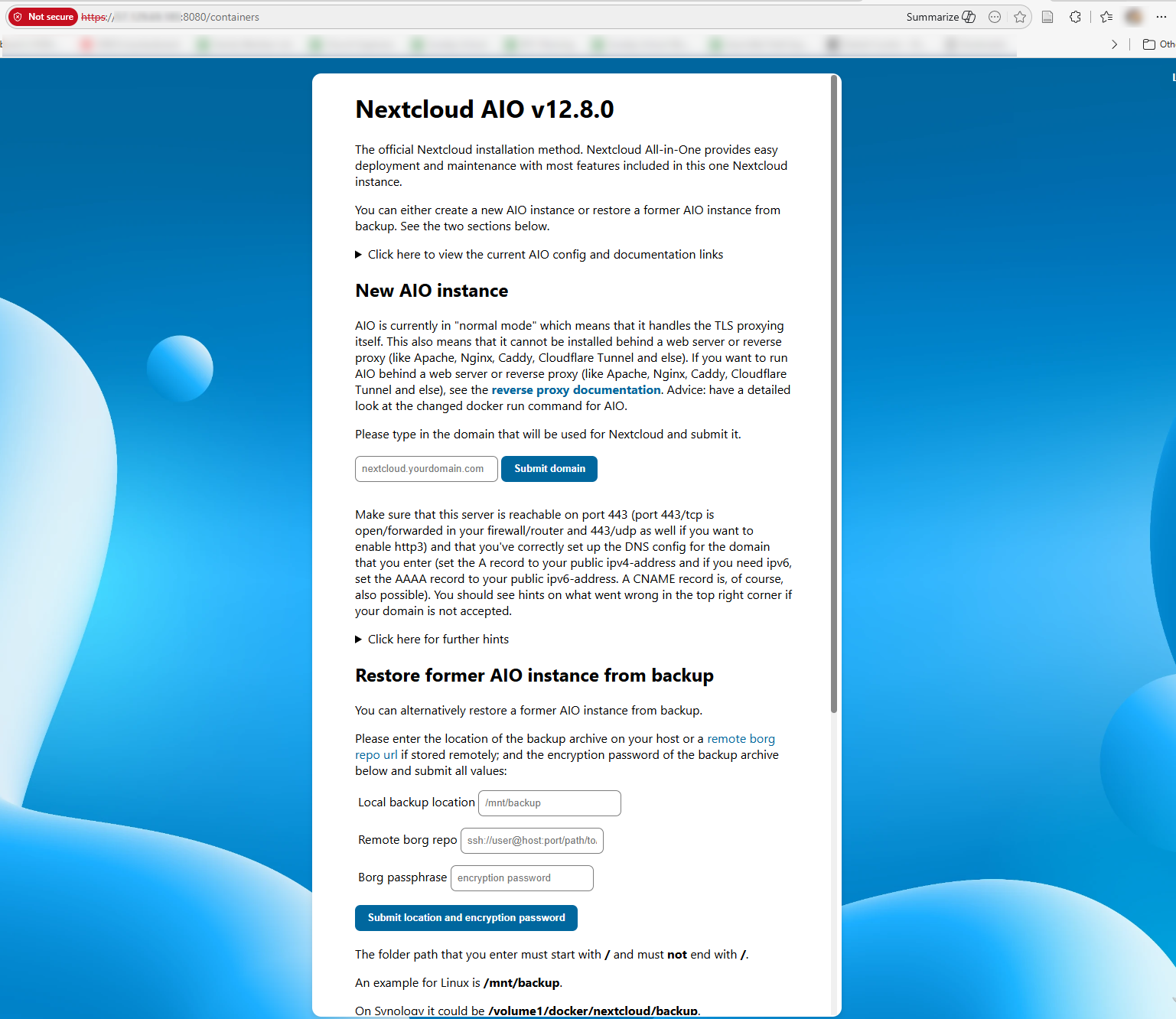
Click the "Submit domain" button with the valid domain.
Selecting the Required Nextcloud Modules
Once the Nextcloud domain setup is completed, select the required modules for the instance.
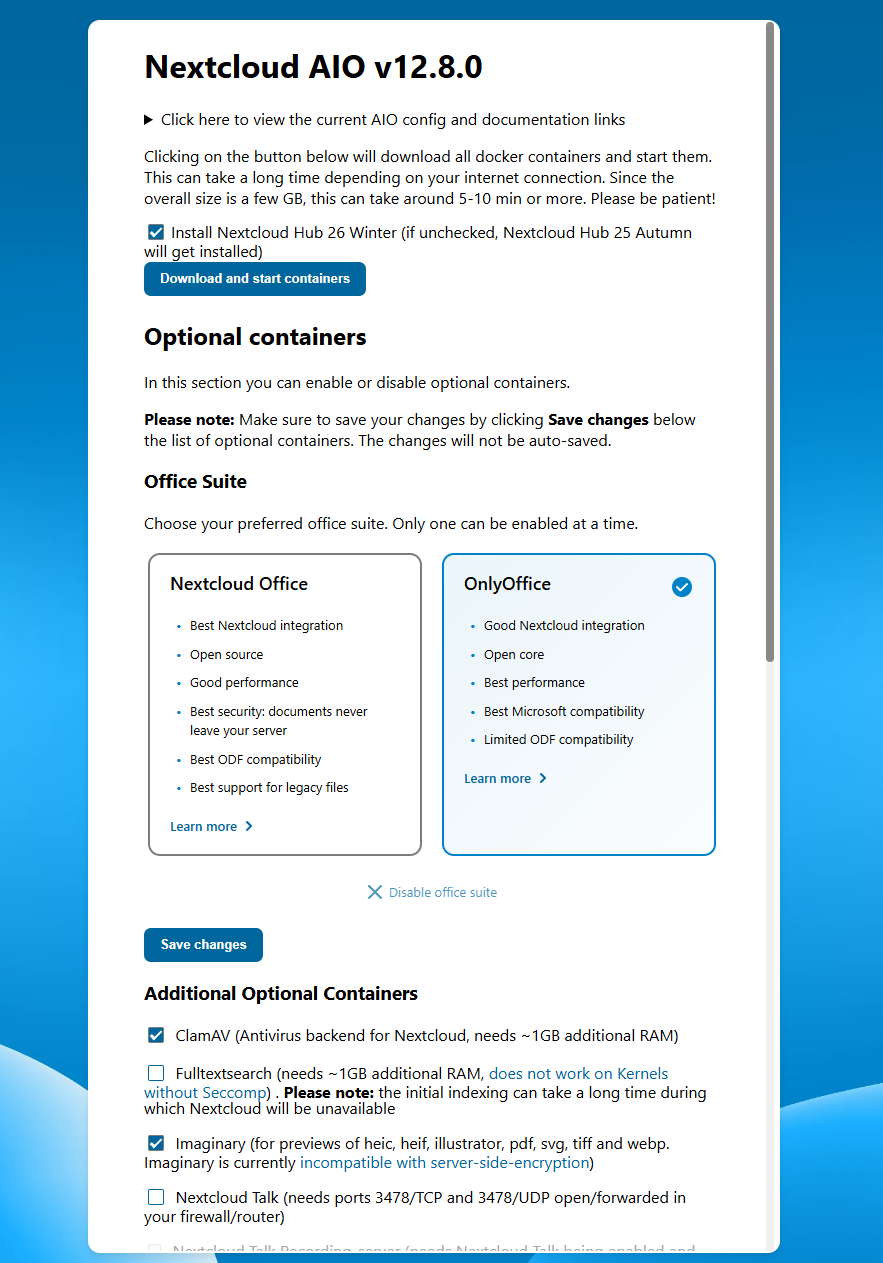
- Select OnlyOffice, as this module supports Word, PowerPoint, and Excel formats.
- Include ClamAV.
- Disable Fulltextsearch and Nextcloud Talk.
After selecting the modules, click the "Save changes" button.
Installing the Selected Nextcloud Modules
From the same screen, click the "Download and start containers" button at the top of the screen.
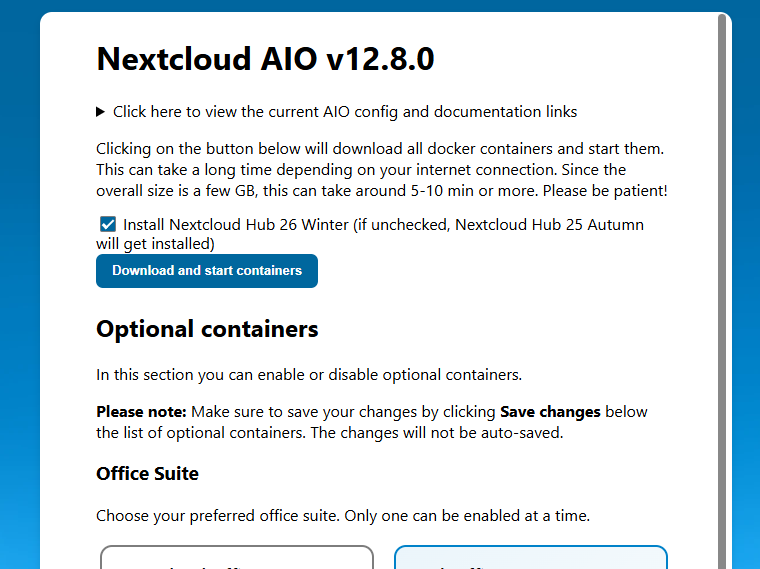
This will pull the required containers and configure them for the instance. The process will resemble the following screenshot.
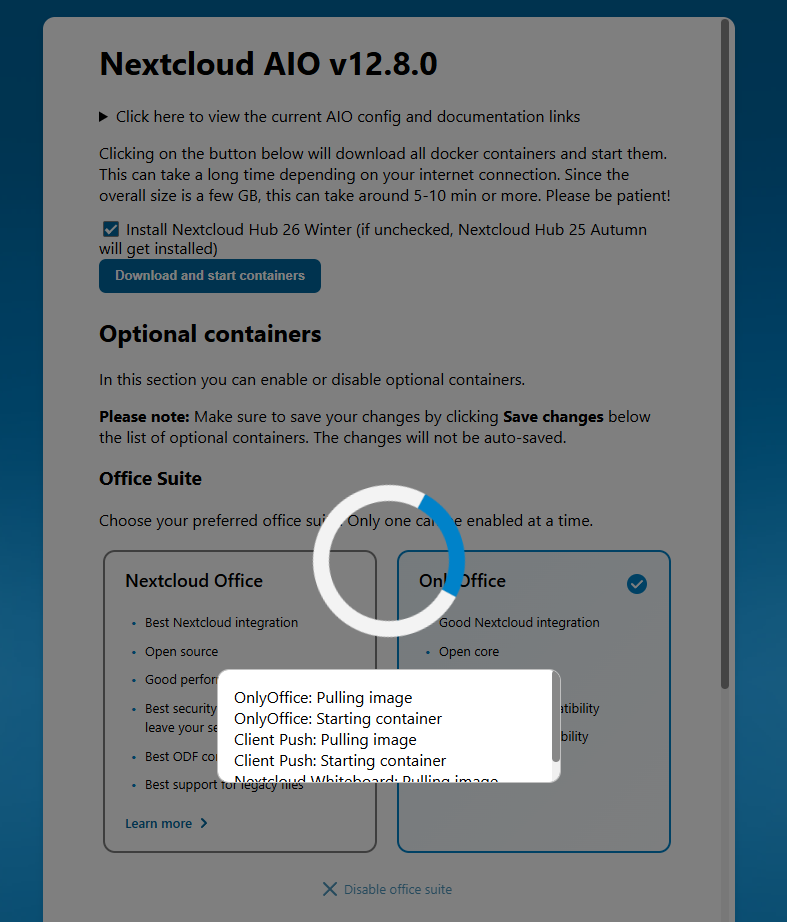
Finalizing the Setup
Once the containers are pulled, wait for all containers to start before logging in to the instance.
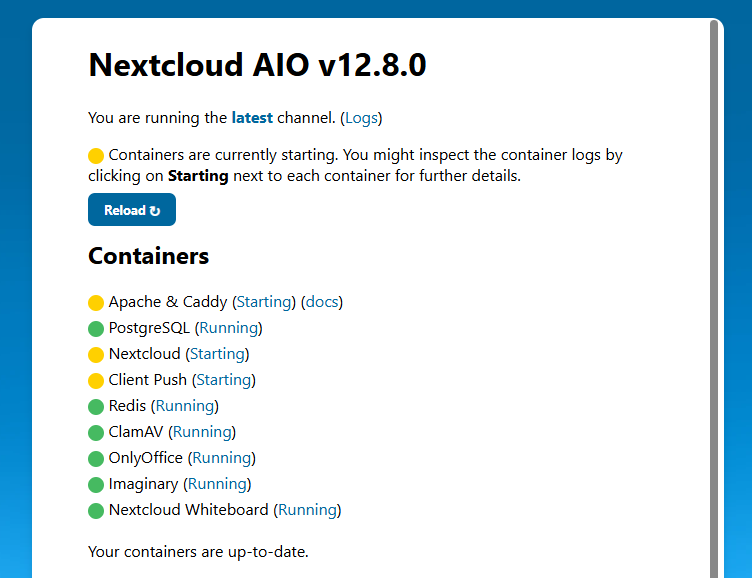
Completion of the New Nextcloud Instance
After all containers have started, the screen will refresh, displaying the username and password for the administrator.
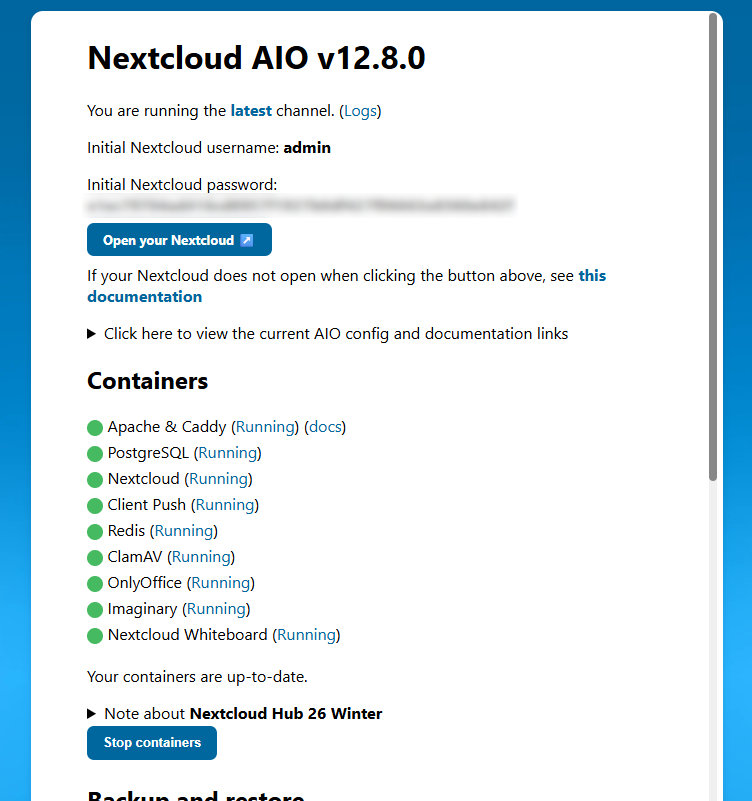
Note this password for login as the administrator.
Logging in to the Instance
Click the "Open your Nextcloud" button, which will open your domain URL.
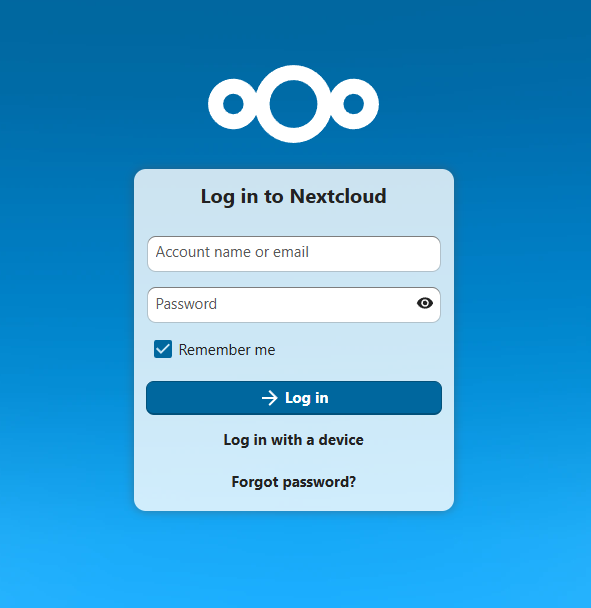
Use the username "admin" and the password noted in the previous screen to log in to the instance.