On this page
Prerequisites
Confirm ownership and administrative access for the domain.
Ensure you can create DNS records with your DNS provider, including CNAME, MX, SPF, DKIM, and DMARC records as needed.
Verify that DNS changes propagate successfully before completing the setup.
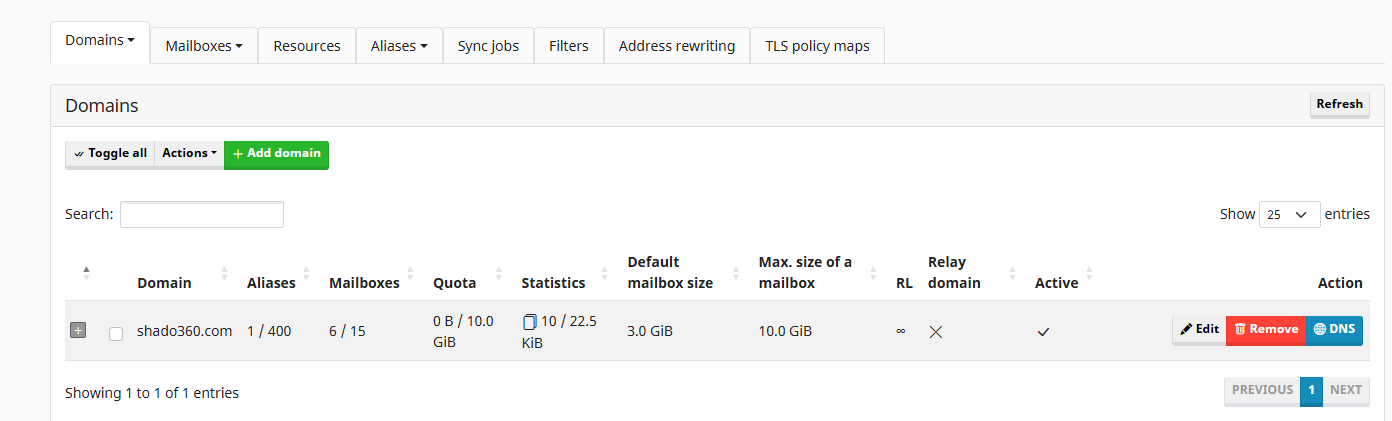
Register the domain in mailcow
Log in to the mailcow administration interface as an administrator.
Navigate to Email > Configuration .
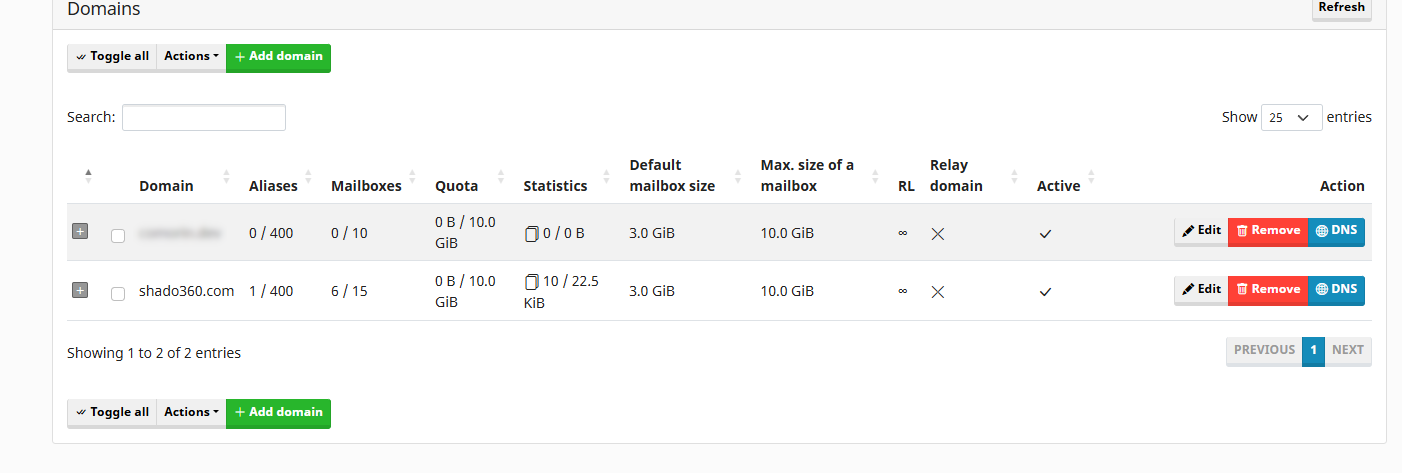
Click Add domain .
Enter the domain name and an optional description.
Select Add domain and restart SOGo .
After the server restart completes, open the newly added domain from the domains list.
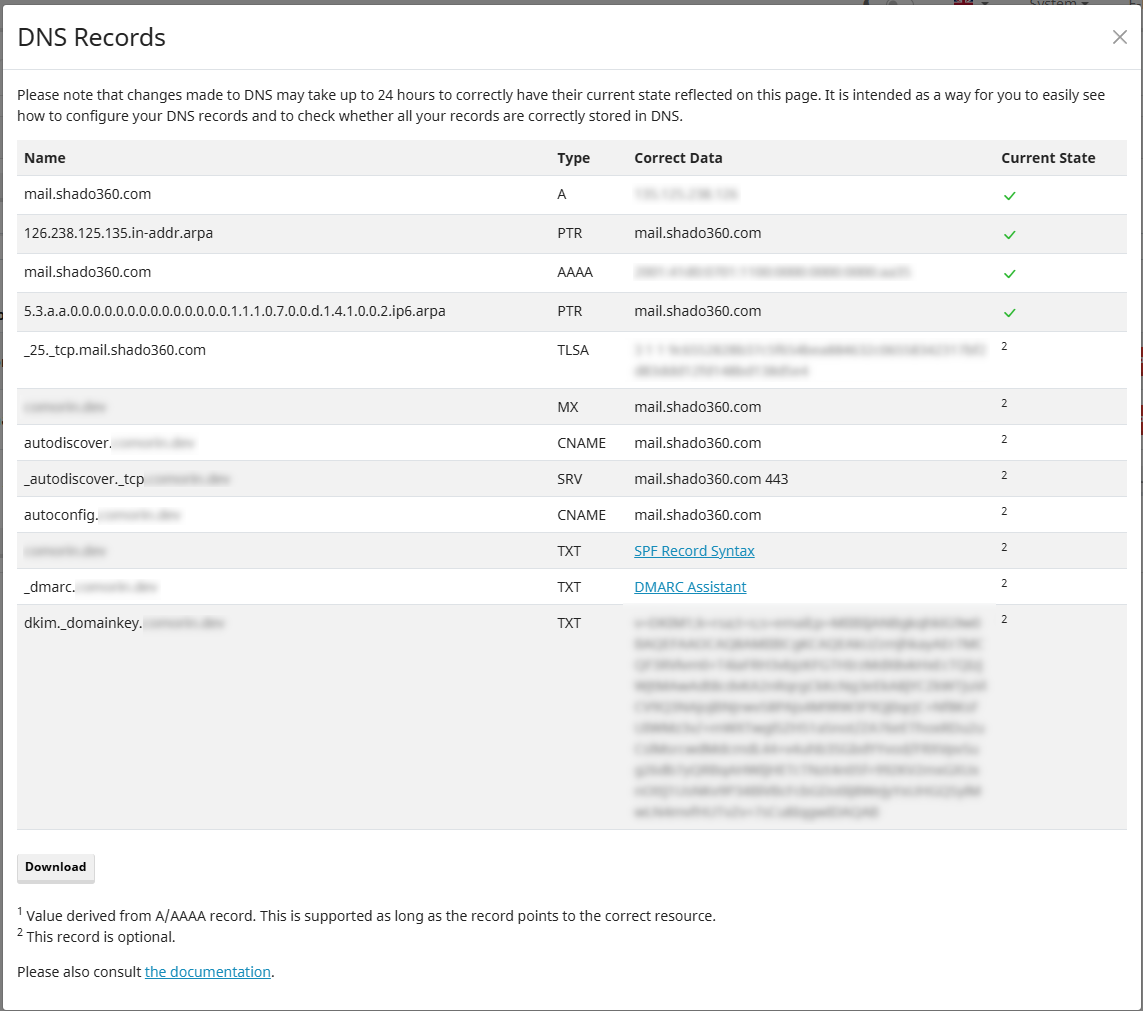
Select the DNS tab.
Add the required DNS records using your domain provider's DNS management interface.
Confirm that the DNS records are correct and that they resolve successfully.
Notes
Adding a domain in mailcow does not automatically configure DNS at the registrar. You must manually add the required DNS records through your DNS provider.
Allow time for DNS propagation before sending or receiving mail for the new domain.